
9 Live Streaming Tips and Tricks for More Engagement
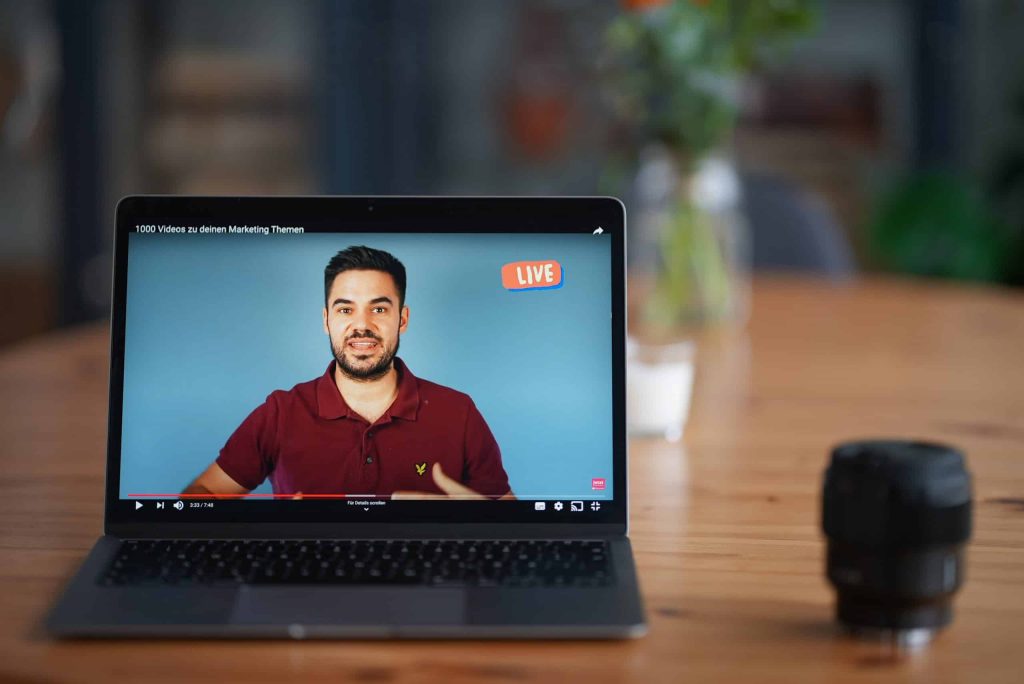
One of the biggest benefits of getting a livestream is that you get to engage with your audience, but how do you get people to actually show up and do things for your livestream so that you can have that engagement and build up for every community that you’re looking for? I’m going to break down for you how to create a more engaging livestream so that you can just crush it with your live streaming goals. Let’s dive into these different things that are going to help make sure that your live streaming game is going to be on point. Now, before you even start live streaming, before you even hit that go button, you want to make sure that you have everything in place to make sure that your livestream has the most chance for success, that you have a good view for your webcam, that you have really good internet, that you have good lighting, that you have good sound. To know all the things that you need to have in place in order to hit that live button with success, I have a checklist that’ll break down everything you want to make sure that you grab and do before you even dive in to your livestream. This checklist is going to go over things like lighting, sound, run of show and so forth. Live Stream Promotion It’s important to make sure that you’re not just going live for the sake of going live. You want to have a warm-up and a lead into it. You’re going to be able to schedule your livestream up to a week before they go live, and no longer than that. Facebook does not let you do anything more than seven days in advance, and YouTube is going to want you to do that as well. So schedule your livestream ahead of time and make sure you have everything very clearly spread out. You want to have your title. You want to have your description. You want to have a good thumbnail and you want to know what time you’re going to be there. A lot of people ask, can I promote? Can I boost, put money behind my livestream? And the answer is no, you cannot boost or promote a livestream and largely because that content hasn’t been created yet. In order for Facebook or Instagram or YouTube advertising to work, they have to know what the content is going to be. Well, you haven’t gone live yet, so you don’t know what you’re going to say or do yet. Therefore, they cannot approve any kind of boost of post because of their terms and conditions. However, what you can do is create a Facebook event that will promote your livestream. You can boost that. You can also do posts on your Facebook and boost those as well, or do them on Instagram or wherever else you are using. Whatever your means are for promoting, by having that scheduled link to share, it’s going to make it easier for you to promote your live stream and get more people to attend. Producing your live stream So now, we’re going to dive in what you want to do during your livestream to make sure that it flows well and that it’s engaging well. First things first, don’t jump right out of the gate with what you’re going to say. I don’t jump into, “hey guys, let’s dive into this”, because you’re not giving any time for your audience to join in. It takes a second for those modifications to come through for Facebook and YouTube. So give it a little bit of a padding, like a three-minute timer might be a really great lead in for you. By having a countdown timer, it gives time for all of the notifications to happen, for people to join in on you so that you know what’s going on and they can kind of get all set and cozy and ready to consume your livestream that you have created. If you just dive into it, you’re going to hurt yourself. For those of you that record for the replay, remember in Facebook and in YouTube, you can edit out those beginning and end parts that maybe you don’t want to have for your recording that you use again and again and again. So don’t worry about that timer staying there forever. You just want to make sure you have it leading into the livestream.The next thing that you can do for your livestream to make it more engaging is start with a little bit of banter and fun. Have a reason leading into what your main topic is. So let’s say you’re doing a whole video about the latest in the insurance business, like 10 things you need to know about what’s changing in insurance. Maybe you can have a little banter about humor, funny things, things that are happening at your agency or whatever it may be leading into that. One of the bonus steps I want to give to you is it’s really great to have a co-host, even if it’s just a guest that comes in on a regular basis to help you. It’s really helpful to have someone to bounce things off of and have conversations with. Trying to do a livestream by yourself can be really hard. I know, I do it on a regular basis with the Women of YouTube group and a lot of it’s because I’m teaching people how to do things and I’m relying on the comments to get the back and forth started, but when I have a guest on, it just goes so much better and it’s just so much more fun and fluid. It’s much more conversational versus me commenting on comments. So, consider having a guest to have as a banter for you and have that lead in, that warm-up, into your main topic. Getting Engagement on your Live Stream
Video Marketing Content Ideas // Videos EVERY Business NEEDS to be Making to Grow Their Brand
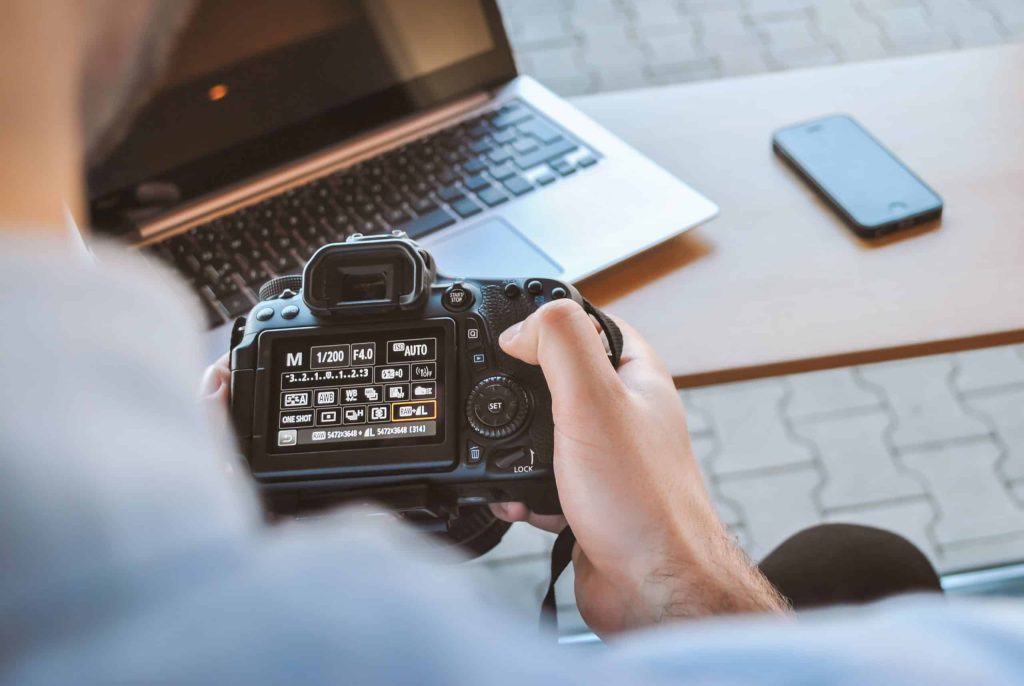
One of the questions that I get asked a lot in my comments, and by people in all of the places is, how do I know what content I should be making for my business? Well in this post, I’m going to show you what content you should be making to grow your brand with video.
Why You Should Go Live On YouTube Premier vs Live – Which Should You Do
I love YouTube! I think it’s a great way to connect with people, solve problems, and be entertained on a regular basis. But, as a YouTube creator, I run into a lot of questions that I’m asking myself. Things like, “Should I be using Premiere?” “Should I just be pre-recording stuff?” “What am I supposed to be doing with this whole live-streaming thing?” And let’s not even go into how analytics are just a whole mess to try and figure out. It definitely takes a lot of work. But in this post, I really want to dive into, why you should be live-streaming versus using Premiere or even just posting out pre-recorded videos. Let’s Dive into Live Pigeon Now, recently I was introduced to this really wonderful, awesome, amazing, tool called, LIVE pigeon. You’re going to want to use LIVE pigeon because it’s going to let you live-stream, pre-recorded videos to your YouTube Channel. Can we just take a minute to let that marinate about how awesome that actually is? Oh, you don’t know why? Okay, so let’s dive into this. So I’ve been getting asked a lot, why should I live-stream these pre-recorded videos versus just doing a Premiere? Well, the thing is, is that YouTube does things in their own unique way. And every feature has a special way of putting things out into the Universe. So, with the Premiere feature, it allows you to take your pre-recorded, beautifully put together video content and watch it with your audience. You can schedule this out. You get this little like video schedule thing that goes up on your YouTube interface and you’re able to see like, “Hey, this person has a video coming out at this time!” And you guys can watch it together. And just like a live-stream, you have a chat that happens at the same time. There are a lot of really great benefits like you can get Super Chats and you can do your Memberships, and all of that great stuff for additional revenue options, when it comes to YouTube. However, the Premiere feature notification system is kind of limiting, in my opinion. 30 minutes prior to your video going live through the Premiere, and when it actually goes live through the Premiere, YouTube pushes the notification to your bell subscribers that this video is happening, and hopefully, it pulls them in to watch with you. And then you can have the chat and watch the video together. This is a really nice idea, but if you want to increase people watching your video when it happens, you’re going to want to do it as a live-stream. Live Stream on Youtube Live-stream on YouTube is very similar to Premiere. You can schedule it out, you put the notifications up, you can fill in your titles and your thumbnails, and all of the things. But the promotional system is very different for live-streams versus Premieres. So not only are you going to get the usual bell notifications and all that kinda jazz that come with new videos going up. So when your video is live, you’re more likely to get people who have never been apart of your YouTube journey or who have subscribed to you, maybe haven’t visited your channel in a while, and they’re gonna be like, “Oh, yeah, I’m gonna go watch that video, because that looks really interesting.” I personally have seen a gigantic increase in my initial views and my day one views by doing pre-recorded live videos versus using Premiere, which I was also using very adamantly as well. So with live-stream, we’re going to be able to schedule those pre-recorded live videos so that you can do all of the same things that Premiere, but get the benefit that YouTube has for you with Live. Now, if you just wanna live-stream, go for it, go nuts. In fact, I would encourage you to use a third-party tool, like StreamYard, which allows you to go live, interact, engage, answer questions, and go for long amounts of time to your heart’s desire. But, if you have a channel kinda like mine, where you’re resource-driven and you put a lot of time and energy and research into what you’re going to do to share and connect with your audience, especially when it comes to respecting their time, definitely check out LIVE pigeon. And until next time, I’ll see you soon.
SHARING MY YOUTUBE SECRETS: Small Hacks You Can Make For Better Performing Videos
Sharing my Youtube secrets from my years of experience on how I make my Youtube videos perform better not just in the algorithm, but also for my brand. You won’t find most of these Youtube secrets with BIG Youtubers, so you are definitely going to want to watch until the end.