
9 Live Streaming Tips and Tricks for More Engagement
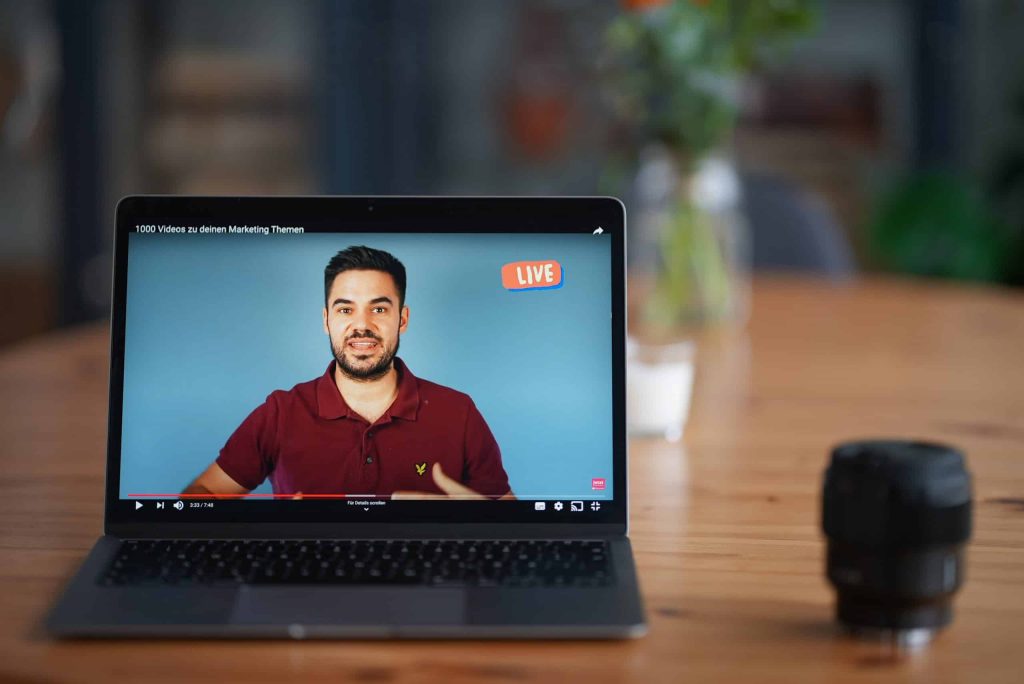
One of the biggest benefits of getting a livestream is that you get to engage with your audience, but how do you get people to actually show up and do things for your livestream so that you can have that engagement and build up for every community that you’re looking for? I’m going to break down for you how to create a more engaging livestream so that you can just crush it with your live streaming goals. Let’s dive into these different things that are going to help make sure that your live streaming game is going to be on point. Now, before you even start live streaming, before you even hit that go button, you want to make sure that you have everything in place to make sure that your livestream has the most chance for success, that you have a good view for your webcam, that you have really good internet, that you have good lighting, that you have good sound. To know all the things that you need to have in place in order to hit that live button with success, I have a checklist that’ll break down everything you want to make sure that you grab and do before you even dive in to your livestream. This checklist is going to go over things like lighting, sound, run of show and so forth. Live Stream Promotion It’s important to make sure that you’re not just going live for the sake of going live. You want to have a warm-up and a lead into it. You’re going to be able to schedule your livestream up to a week before they go live, and no longer than that. Facebook does not let you do anything more than seven days in advance, and YouTube is going to want you to do that as well. So schedule your livestream ahead of time and make sure you have everything very clearly spread out. You want to have your title. You want to have your description. You want to have a good thumbnail and you want to know what time you’re going to be there. A lot of people ask, can I promote? Can I boost, put money behind my livestream? And the answer is no, you cannot boost or promote a livestream and largely because that content hasn’t been created yet. In order for Facebook or Instagram or YouTube advertising to work, they have to know what the content is going to be. Well, you haven’t gone live yet, so you don’t know what you’re going to say or do yet. Therefore, they cannot approve any kind of boost of post because of their terms and conditions. However, what you can do is create a Facebook event that will promote your livestream. You can boost that. You can also do posts on your Facebook and boost those as well, or do them on Instagram or wherever else you are using. Whatever your means are for promoting, by having that scheduled link to share, it’s going to make it easier for you to promote your live stream and get more people to attend. Producing your live stream So now, we’re going to dive in what you want to do during your livestream to make sure that it flows well and that it’s engaging well. First things first, don’t jump right out of the gate with what you’re going to say. I don’t jump into, “hey guys, let’s dive into this”, because you’re not giving any time for your audience to join in. It takes a second for those modifications to come through for Facebook and YouTube. So give it a little bit of a padding, like a three-minute timer might be a really great lead in for you. By having a countdown timer, it gives time for all of the notifications to happen, for people to join in on you so that you know what’s going on and they can kind of get all set and cozy and ready to consume your livestream that you have created. If you just dive into it, you’re going to hurt yourself. For those of you that record for the replay, remember in Facebook and in YouTube, you can edit out those beginning and end parts that maybe you don’t want to have for your recording that you use again and again and again. So don’t worry about that timer staying there forever. You just want to make sure you have it leading into the livestream.The next thing that you can do for your livestream to make it more engaging is start with a little bit of banter and fun. Have a reason leading into what your main topic is. So let’s say you’re doing a whole video about the latest in the insurance business, like 10 things you need to know about what’s changing in insurance. Maybe you can have a little banter about humor, funny things, things that are happening at your agency or whatever it may be leading into that. One of the bonus steps I want to give to you is it’s really great to have a co-host, even if it’s just a guest that comes in on a regular basis to help you. It’s really helpful to have someone to bounce things off of and have conversations with. Trying to do a livestream by yourself can be really hard. I know, I do it on a regular basis with the Women of YouTube group and a lot of it’s because I’m teaching people how to do things and I’m relying on the comments to get the back and forth started, but when I have a guest on, it just goes so much better and it’s just so much more fun and fluid. It’s much more conversational versus me commenting on comments. So, consider having a guest to have as a banter for you and have that lead in, that warm-up, into your main topic. Getting Engagement on your Live Stream
Live Stream Tips & Trends for 2021
I talk about live streaming a lot in this channel, and I will be the first to admit that there are a lot of other really amazing live streaming experts out there to learn from. So in this video, I brought together 10 of my friends and experts to help give you more tips and trends that you can expect for your live streaming game in 2021. I truly believe that livestreaming is one of the easiest ways to create video content for any business. You don’t have to worry about editing. You don’t have to worry about all the extra bells and whistles. You can just go live and share your genius and truth and make the magic happen, which is why you’re going to need a really great tool to do this. “My quick livestreaming tip, it’s an obvious one when you hear it. But it’s to run a speed test before you go live. You want to make sure that the internet speed that you’re using, specifically the upload speed, is going to be good enough for a consistent, high-quality stream or feed from your computer or your device through to whatever platform it is that you’re going to be livestreaming on. – Justin Head over to the website speedtest.net and run a test on there or grab the speed test app on your device. Specifically what you’re looking for when you’re running a speed test is your upload speed. You also want to make sure not only that you have enough upload speed, but also that it is a consistent upload speed, that it’s not really good for a few seconds and then really bad and fluctuating a lot. Running a speed test will tell you those two things, that you have a decent enough upload speed, but also that it is a stable connection as well. Then for the cases where your internet speed might not be enough or it isn’t stable, then that’s when you could look at an alternative internet connection before you go live, so maybe hotspotting from your phone or another device, just so you can save your sanity and have a better, more successful livestream.” I cannot tell you how many times I go into livestreams and other people are just having all of the glitches and all the problems, or even for myself, I go into livestreams, and my internet cannot get it together. So really heed Justin’s advice and do that speed test before you dive into a livestream, and if all else fails, just restart everything before you plan to go live. “One of the tips that I would definitely give when it comes to entrepreneurs that’s getting into content creation is to really pay attention to short-form video content. If you’re already doing a livestream, one of the best things that you can do is begin to repurpose that content, meaning you’re taking your 30, 40, 60 minutes or longer livestreams, and you’re reproducing that into shorter form content. When you think about TikTok and what all happened in 2020, it got to the point where everybody’s focusing on 15, 30, and 60 second videos, and you may be thinking that’s not enough time to really provide enough value, I would suggest that it actually is. When you think about what can you do in 15, 30, or 60 seconds, it makes you have to be very, very specific about what you say, what you show, and what you share. When you think about your outline or your run of show for your livestream, what is a tip that you can bake into that livestream so that you can go in later and pull that 15, 30, or 60 second piece out and redistribute that to whether it’s TikTok, Instagram, or what have you. Really pay attention to not just the pieces and the tips and the value that you’re going to deliver in the livestream, but really start thinking about how you can repurpose that content. All of that is going to start in the preparation phase of your livestream, thinking about the outline, baking in those tips or the points that you want to address, that you can then pull those snippets out and share them on social media in short-form, micro content.” – Diana Gladney You know I love me some content repurposing up in these parts, and livestreaming is a great way to do that. Diana hit the nail on the head. This is the best thing that you could do with your livestreams to get more mileage out of them, to help grow your brand, and of course, cover your bases with that content calendar. “My number one tip for 2021 is to make sure that the streams you create this year hold true to your value proposition from the beginning to the end. This way, your viewers will find value not only in your regularly scheduled content but in the videos you livestream. The replay value can add up to thousands of more views than you’re already driving to your channel.” – Daniel Batal It’s really easy for us to get distracted with all the different things that we have going on and objectives and purposes of what we’re trying to do. Keeping your value proposition in mind is going to allow for your vision and purpose for your channel and for your business to be incredibly clear, not just for you, but also for your audience. “My tip for you is to have more guests on your shows. I love having guests. In fact, when I look back at all my analytics, some of my most high performing livestreams are when I have a guest come on my show, whether it be a fun guest, a customer, a peer, or somebody that comes and offers a lot of value for my audience. “You want to be selective with who you’re going to have on your show. You want to
How To Go Live With StreamYard
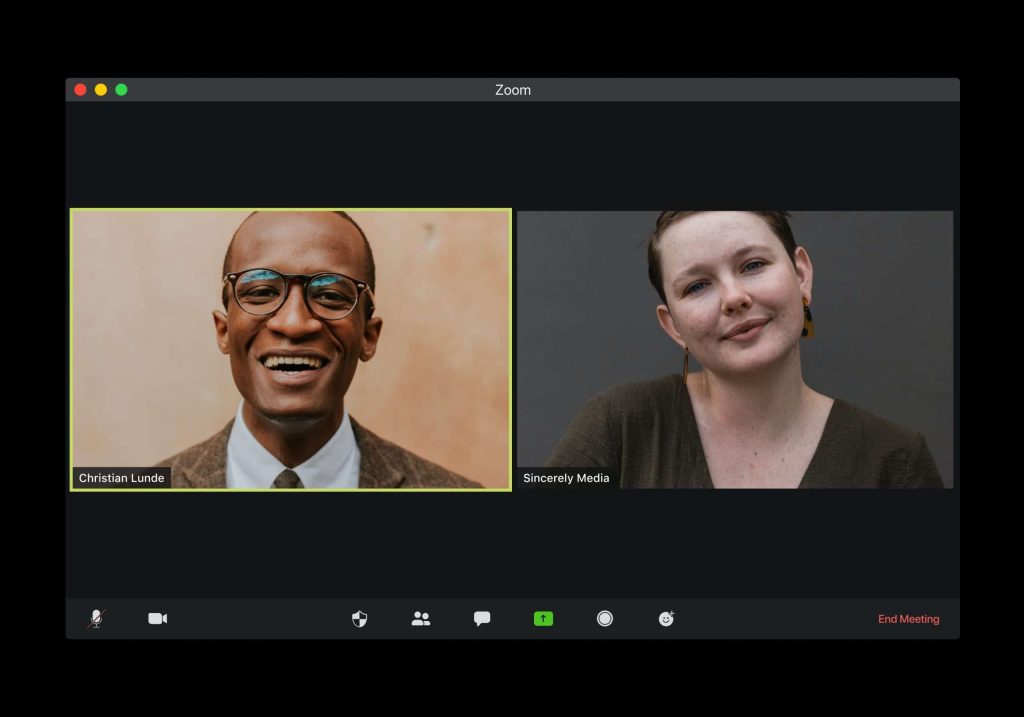
How To Go Live With StreamYard // Going live online? Sometime you want a few more bells and whistles with a 3rd party software. Level up your game with slides, lower thirds, a chat control, pop up questions and other graphics to level up your live streaming experience. StreamYard is a great tool to multicast and go live with your business, take the stress out of the live-stream experience and add more bells and whistles.
How To Go Live With StreamYard
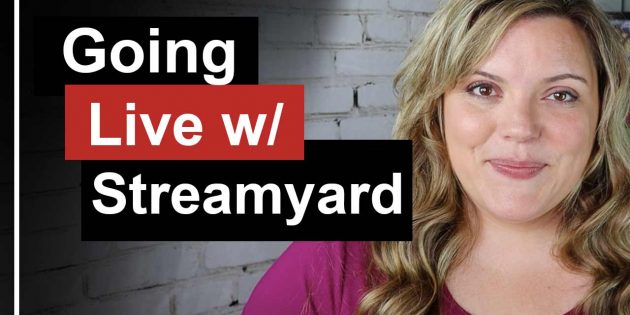
How To Go Live With StreamYard // Going live online? Sometime you want a few more bells and whistles with a 3rd party software. Level up your game with slides, lower thirds, a chat control, pop up questions and other graphics to level up your live streaming experience. StreamYard is a great tool to multicast and go live with your business, take the stress out of the live-stream experience and add more bells and whistles.
How To Go Live on YouTube (Desktop)
How To Go Live on YouTube (Desktop) // Live streaming on YouTube is a great way to engage your audience, grow your business and build a community.
How To Go Live on YouTube (Desktop)
How To Go Live on YouTube (Desktop) // Live streaming on YouTube is a great way to engage your audience, grow your business, build a community and quickly create content. With more people going live on YouTube and watch YouTube Live streams, isn’t it about time you joined them! Today I teach you how to livestream on youtube from your webcam.