9 Live Streaming Tips and Tricks for More Engagement
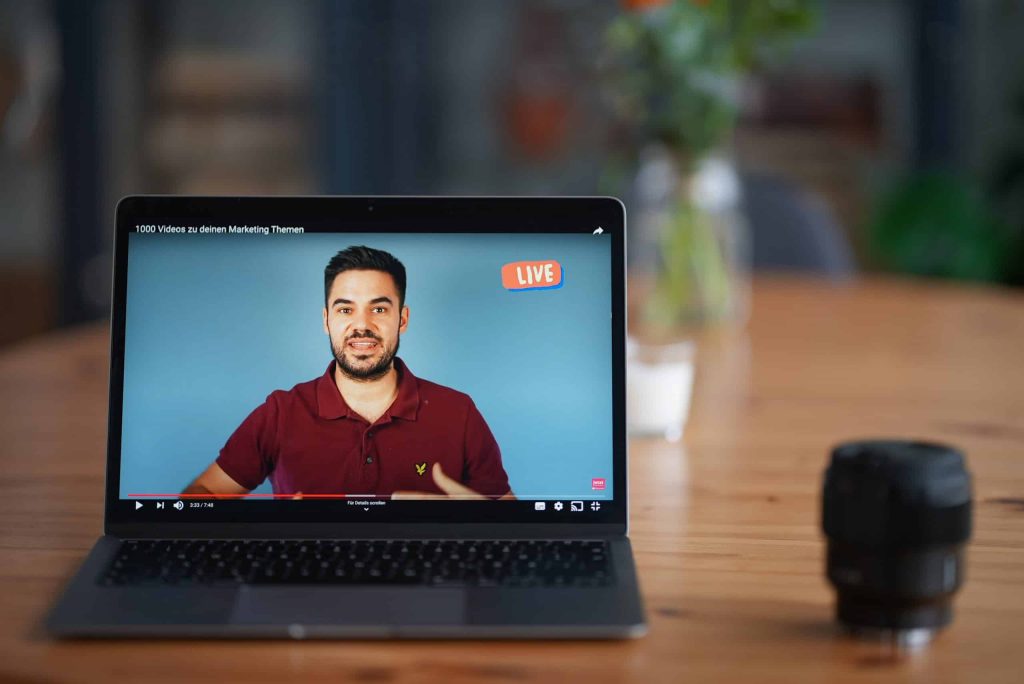
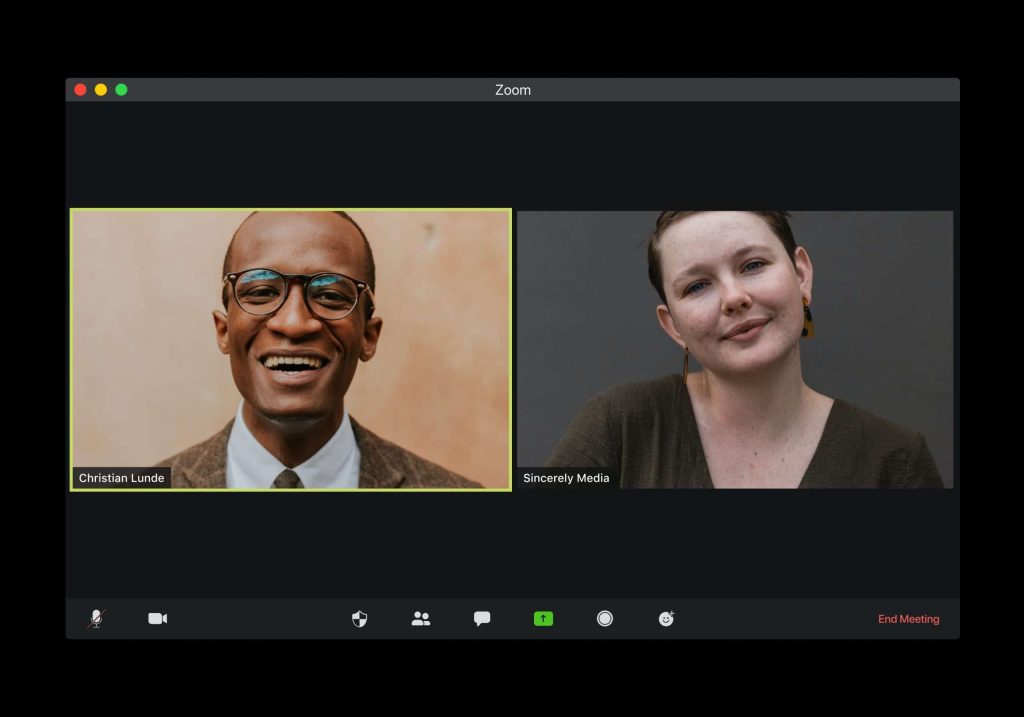
One of the biggest benefits of getting a livestream is that you get to engage with your audience, but how do you get people to actually show up and do things for your livestream so that you can have that engagement and build up for every community that you’re looking for? I’m going to break down for you how to create a more engaging livestream so that you can just crush it with your live streaming goals. Let’s dive into these different things that are going to help make sure that your live streaming game is going to be on point. Now, before you even start live streaming, before you even hit that go button, you want to make sure that you have everything in place to make sure that your livestream has the most chance for success, that you have a good view for your webcam, that you have really good internet, that you have good lighting, that you have good sound. To know all the things that you need to have in place in order to hit that live button with success, I have a checklist that’ll break down everything you want to make sure that you grab and do before you even dive in to your livestream. This checklist is going to go over things like lighting, sound, run of show and so forth. Live Stream Promotion It’s important to make sure that you’re not just going live for the sake of going live. You want to have a warm-up and a lead into it. You’re going to be able to schedule your livestream up to a week before they go live, and no longer than that. Facebook does not let you do anything more than seven days in advance, and YouTube is going to want you to do that as well. So schedule your livestream ahead of time and make sure you have everything very clearly spread out. You want to have your title. You want to have your description. You want to have a good thumbnail and you want to know what time you’re going to be there. A lot of people ask, can I promote? Can I boost, put money behind my livestream? And the answer is no, you cannot boost or promote a livestream and largely because that content hasn’t been created yet. In order for Facebook or Instagram or YouTube advertising to work, they have to know what the content is going to be. Well, you haven’t gone live yet, so you don’t know what you’re going to say or do yet. Therefore, they cannot approve any kind of boost of post because of their terms and conditions. However, what you can do is create a Facebook event that will promote your livestream. You can boost that. You can also do posts on your Facebook and boost those as well, or do them on Instagram or wherever else you are using. Whatever your means are for promoting, by having that scheduled link to share, it’s going to make it easier for you to promote your live stream and get more people to attend. Producing your live stream So now, we’re going to dive in what you want to do during your livestream to make sure that it flows well and that it’s engaging well. First things first, don’t jump right out of the gate with what you’re going to say. I don’t jump into, “hey guys, let’s dive into this”, because you’re not giving any time for your audience to join in. It takes a second for those modifications to come through for Facebook and YouTube. So give it a little bit of a padding, like a three-minute timer might be a really great lead in for you. By having a countdown timer, it gives time for all of the notifications to happen, for people to join in on you so that you know what’s going on and they can kind of get all set and cozy and ready to consume your livestream that you have created. If you just dive into it, you’re going to hurt yourself. For those of you that record for the replay, remember in Facebook and in YouTube, you can edit out those beginning and end parts that maybe you don’t want to have for your recording that you use again and again and again. So don’t worry about that timer staying there forever. You just want to make sure you have it leading into the livestream.The next thing that you can do for your livestream to make it more engaging is start with a little bit of banter and fun. Have a reason leading into what your main topic is. So let’s say you’re doing a whole video about the latest in the insurance business, like 10 things you need to know about what’s changing in insurance. Maybe you can have a little banter about humor, funny things, things that are happening at your agency or whatever it may be leading into that. One of the bonus steps I want to give to you is it’s really great to have a co-host, even if it’s just a guest that comes in on a regular basis to help you. It’s really helpful to have someone to bounce things off of and have conversations with. Trying to do a livestream by yourself can be really hard. I know, I do it on a regular basis with the Women of YouTube group and a lot of it’s because I’m teaching people how to do things and I’m relying on the comments to get the back and forth started, but when I have a guest on, it just goes so much better and it’s just so much more fun and fluid. It’s much more conversational versus me commenting on comments. So, consider having a guest to have as a banter for you and have that lead in, that warm-up, into your main topic. Getting Engagement on your Live Stream
Live Stream Tips & Trends for 2021
I talk about live streaming a lot in this channel, and I will be the first to admit that there are a lot of other really amazing live streaming experts out there to learn from. So in this video, I brought together 10 of my friends and experts to help give you more tips and trends that you can expect for your live streaming game in 2021. I truly believe that livestreaming is one of the easiest ways to create video content for any business. You don’t have to worry about editing. You don’t have to worry about all the extra bells and whistles. You can just go live and share your genius and truth and make the magic happen, which is why you’re going to need a really great tool to do this. “My quick livestreaming tip, it’s an obvious one when you hear it. But it’s to run a speed test before you go live. You want to make sure that the internet speed that you’re using, specifically the upload speed, is going to be good enough for a consistent, high-quality stream or feed from your computer or your device through to whatever platform it is that you’re going to be livestreaming on. – Justin Head over to the website speedtest.net and run a test on there or grab the speed test app on your device. Specifically what you’re looking for when you’re running a speed test is your upload speed. You also want to make sure not only that you have enough upload speed, but also that it is a consistent upload speed, that it’s not really good for a few seconds and then really bad and fluctuating a lot. Running a speed test will tell you those two things, that you have a decent enough upload speed, but also that it is a stable connection as well. Then for the cases where your internet speed might not be enough or it isn’t stable, then that’s when you could look at an alternative internet connection before you go live, so maybe hotspotting from your phone or another device, just so you can save your sanity and have a better, more successful livestream.” I cannot tell you how many times I go into livestreams and other people are just having all of the glitches and all the problems, or even for myself, I go into livestreams, and my internet cannot get it together. So really heed Justin’s advice and do that speed test before you dive into a livestream, and if all else fails, just restart everything before you plan to go live. “One of the tips that I would definitely give when it comes to entrepreneurs that’s getting into content creation is to really pay attention to short-form video content. If you’re already doing a livestream, one of the best things that you can do is begin to repurpose that content, meaning you’re taking your 30, 40, 60 minutes or longer livestreams, and you’re reproducing that into shorter form content. When you think about TikTok and what all happened in 2020, it got to the point where everybody’s focusing on 15, 30, and 60 second videos, and you may be thinking that’s not enough time to really provide enough value, I would suggest that it actually is. When you think about what can you do in 15, 30, or 60 seconds, it makes you have to be very, very specific about what you say, what you show, and what you share. When you think about your outline or your run of show for your livestream, what is a tip that you can bake into that livestream so that you can go in later and pull that 15, 30, or 60 second piece out and redistribute that to whether it’s TikTok, Instagram, or what have you. Really pay attention to not just the pieces and the tips and the value that you’re going to deliver in the livestream, but really start thinking about how you can repurpose that content. All of that is going to start in the preparation phase of your livestream, thinking about the outline, baking in those tips or the points that you want to address, that you can then pull those snippets out and share them on social media in short-form, micro content.” – Diana Gladney You know I love me some content repurposing up in these parts, and livestreaming is a great way to do that. Diana hit the nail on the head. This is the best thing that you could do with your livestreams to get more mileage out of them, to help grow your brand, and of course, cover your bases with that content calendar. “My number one tip for 2021 is to make sure that the streams you create this year hold true to your value proposition from the beginning to the end. This way, your viewers will find value not only in your regularly scheduled content but in the videos you livestream. The replay value can add up to thousands of more views than you’re already driving to your channel.” – Daniel Batal It’s really easy for us to get distracted with all the different things that we have going on and objectives and purposes of what we’re trying to do. Keeping your value proposition in mind is going to allow for your vision and purpose for your channel and for your business to be incredibly clear, not just for you, but also for your audience. “My tip for you is to have more guests on your shows. I love having guests. In fact, when I look back at all my analytics, some of my most high performing livestreams are when I have a guest come on my show, whether it be a fun guest, a customer, a peer, or somebody that comes and offers a lot of value for my audience. “You want to be selective with who you’re going to have on your show. You want to
How to Use Hopin! Streamyard & Hopin

Hopin has acquired StreamYard! This was a super big, crazy announcement that happened on January 7th of 2021. In this post, I’m gonna explain to you what we know about this acquisition, what you need to know about Hopin, and how it’s going to work with StreamYard. StreamYard is one of the fastest-growing online live streaming tools that is out there. So, what is Hopin and why does this merger make sense? Hopin Well, Hopin is all about helping you make an online event kick butt. Whether you’re trying to do it entirely virtual, or you have an actual in-person event and you want to have a way for people to buy a ticket and join in on the experience, Hopin is going to allow for this to happen for you. What’s really great about Hopin is that you’re gonna be able to do so much more within this platform. It’s going to be incredibly easy to use and really fits in with the foundation of what StreamYard is, which is really easy-to-use live streaming. To get started, first thing’s first is you’re gonna want to create an account. Once you’re in here you’re gonna select what is it that you do, like how are you going to be using Hopin. You can say I’m looking for events to attend, looking to host an event, or you want to do both. I encourage you to do ‘I want to do both’. In my video below, I go through an overview of the interface and give you a general idea of how everything works on the platform. Video Tutorial I will do a much more detailed review of how to create a virtual event with Hopin in another video. I’m gonna be having more tutorials here on my blog and my YouTube channel that are gonna help you guide through everything to do with live streaming, content marketing, and more.
How Live Streaming Can Help Your Business Grow
You’re always trying to find new ways to grow your business and make sure that what you’re doing online is working for you. In this post, we’re gonna talk about how live streaming can help you grow your business, get you more leads and engagement for your business. As someone who’s a big advocate for using video as a pillar for all their content marketing, live streaming is a really effective and easy way for you to create that video content for you to use for all of your marketing needs. I want to make sure that I’m giving you the best information. I turned to my StreamYard community and asked them, “Hey, business people, how are you using live streaming to grow your business online?” And here are some of the answers that they had to help you make this decision. Authenticity The number one glowing response seemed to be, ‘authenticity with my audience’. When you’re doing edited videos, like what you see here on YouTube, there is a specific amount of editing, text on the screen, taking away things that are not relevant to what you say. And let’s not even get into that blooper situation. When you’re going live, you’re very much more unfiltered and unscripted, so you’re able to kind of stumble and mumble and gaffe your way through this. And it’s one of those things that’s really important for your audience. Get personal! Your audience wants to connect to you as a person. They want to know that you are someone that they can know, that they can trust, that they can have a relationship and a conversation with. You know, when it comes to having an authentic audience, it’s also important to make sure that you’re engaging with that audience as well. Being able to go live isn’t just about projecting your information and leaving it at that. It’s about being able to talk with the people who are on the stream with you. People that are commenting, saying hello, asking questions, being super excited to be there. With any luck you can be asking the right questions and engaging in the right way. Conversations will just be happening organically in the chat that have absolutely nothing to do with you. You can always have people saying “hi”, answering questions for you, and so much more. This is what is so great about live streaming, is being able to engage with your audience live. Have those conversations, comment, call people out, shout out their name. I can’t tell you how excited people get when I’m going live, and I say, “Hey, it’s Mary, thank you so much for joining us in the chat,” or, “Oh, hey, I saw that Bob has this question here, let me pull it up onto the screen and let’s talk about it.” Those are the things that make lives so unique compared to any other kind of content. And it’s definitely worth considering when you’re trying to build a community that’s going to buy from you. Get more exposure with Live streaming Now, for those of us that are struggling to get seen in the very cluttered, very busy news feeds and algorithm fights and all that stuff, live streaming is actually a really great way to get that extra attention. All of the platforms, Facebook, Instagram, YouTube, have their own algorithm and preferential treatment when it comes to live streaming. It’s a totally separate part of the code that’s going to say, okay, well they’re posting stuff or there’s a video. There’s a GIF that went up. Ooh! Livestream over here. Ooh, let’s give this a little bit more attention. Who’s going to stop scrolling on the screen, Who’s going to stop their thumb scroll and see what’s happening? What alerts can we send out to your audience to let them know, hey, so-and-so is going live! It’s time to give them some much needed attention and love. And that’s why live streaming is such a great way to really help your content plan stick out. When you go live, you get those additional boosts in your other content as well, because it’s increasing your engagement. This can also really help with things like your watch time and your retention. Facebook and YouTube very specifically want you to have more watching people, watching your content and viewing what you have. The higher your watch time across all platforms, the more those platforms are going to help you. And the longer that someone watches you, the more YouTube and Facebook are like, yes ,this person has watched for so long. Who else is going to watch for so long? It’s also a little bit of a help for monetization reasons. The longer that your watch time is, the more you’re going to be able to reach those monetization milestones that come from Facebook and YouTube. Accountability Now, one of the things that I personally really love about what live streaming does is it really holds me to the fire for accountability. I have told my audience, “Hey, I’m going to be going live at this time every single week.” And I have to show up for them at that time. Like, when I put something out into the world, I really try hard to follow through on it. When you show up regularly, when YouTube, Facebook, all the places, know they can count on you regularly to be somewhere? I cannot tell you how monumentally helpful and impactful it’s going to be for your algorithm and for your audience. This is sort of this old-school idea of media that is kind of a little bit forgotten. I know though, when I was a kid, I used to watch TGIF every Friday, think, you know, think of this is Friday on ABC. And there was those, those two hours, those four shows I watched religiously, and I showed up and I
9 Best Tools For Social Media Marketing
Social media marketing is this perfect balance of creating engaging content and managing it to make sure it works effectively for you. My favorite tools that help me with management, engagement, creativity, and so much more. Now everything in social media marketing starts with a solid content plan. Click here to download my free worksheet that will help you map out everything you need and make sure social media is working for you as much as possible. Now let’s get into the tools! Emojipedia The easiest way to get engagement is the use of social media. However, when you’re doing posting and scheduling from a desktop, you don’t have the same emoji keyboard. Emojipedia has every emoji you need that you can just copy and paste right into your posts. Sendible I’ve tried every single platform on the market – this always comes back to being the best. Sendible has amazing reporting, an easy interface, and the ability to collaborate with team members. I can also post on every single platform that I want on there, like YouTube and Pinterest. You can also see a calendar of every scheduled post. You can even schedule videos and gifs! Tenor I love using tenor for all of my gif needs. If you create a free Tenor account, you can make your very own GIFs and create your own library. Kapwing Kapwing is my go-to social video tool. Not only am I able to edit videos and create closed captions, I can also create GIFs, memes, and so much more. They’re always loading in new features and ways to create. And the best part is it’s free! TubeBuddy TubeBuddy is your best friend on the journey of YouTube. It takes your videos and makes sure that they’re gonna work for you as best as possible. It helps find keywords for your title and description, compares to similar videos, and ensures that your video is categorized accordingly. Streamyard Make sure your livestreams are kickin’ with Streamyard. You can use it for interviews, to answer questions, and so much more. This is a browser-based livestream tool that allows you to multitask while streaming. You can also add overlays, respond to comments, and more! Adobe Spark Adobe Spark is my favorite website to create social graphics. There are countless pre-made templates to choose from or you can start from scratch. You can also add in your own branded fonts, colors and more that can be added into your account. Rev.com I use rev.com to create closed captions for my videos. I’m also able to download the closed captions and use them as a base copy for the written version of my videos on my blog. It’s important to create blogs because a lot of people prefer to skim an article over watching a video to get the information they’re looking for. ConvertKit ConvertKit is hands-down the best email marketing tool out there. I’ve tested this time and time again over the next few years. I can create landing pages, lists, tags, and even send specific emails to specific segments of my email list. If you make some monumental error, you can even edit a link in emails that have already been sent! I want to remind you to grab my content planning worksheet here to get started with social media marketing for 2021. You can also check out my YouTube video below for more on these tools and how I utilize them.
Get Better Live Streaming Audio – Tips & Tricks
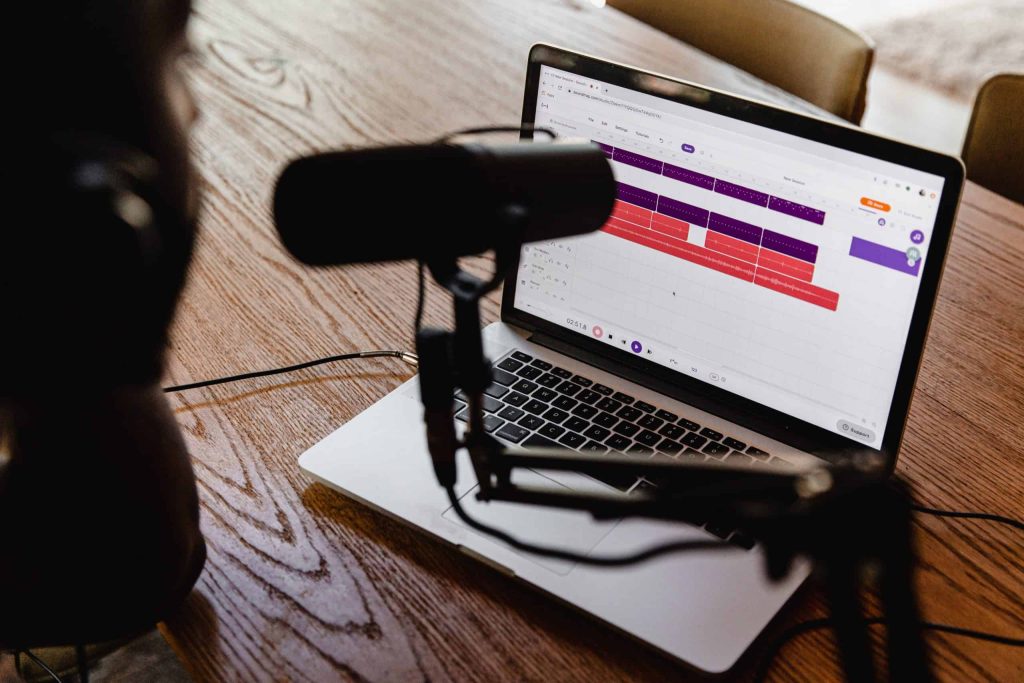
The one question I’m asked the most about on my Streamyard videos is audio. People want to know how to play sounds from their computer that will show up in the Livestream easier. The idea is to use a third-party tool that allows for your computer to act as a microphone. The Best Tools I’m a Mac user and the tool I use is called Loopback. They offer a bunch of different sound settings and options for linking the microphone to your computer. I would recommend using Sunflower if you’re a PC user. Extra Tips Have you ever been on a Livestream that just has terrible audio!? Streamyard has added a feature that allows you to adjust the sound settings for each individual guests. I produce a podcast that usually has 4-5 guests who all have varying levels of audio. Having this option really allows me to have more control and is incredibly helpful. For a podcast, sound is everything! Streamyard also now allows you to download simultaneous audio tracks separately. Streamyard is the only tool on the market that allows this to happen with a livestreaming software! Using Streamyard for your next Livestream will guarantee a better experience. Check out my channel for this video and many more tips!
How to Brand Your Live Stream

As a business owner, you know how important it is for people to visually know who you are and what you have going on. One of the reasons you were using live streaming is to establish yourself as an authority in your specific niche. I’m gonna tell you how you can level up your online authority with really good branding for your live stream. We’re gonna be talking about the colors, the appearance, the logos and imagery that you’re using on your livestream. Whenever you think of Pepsi or Starbucks or Target, you know exactly who they are and what they’re about – their colors, their logo, and adjectives to describe them. You need to make sure that you establish those exact same feelings when it comes to your livestream. Brand Board The three main visuals you are going to need are the colors, logo, and font that you are using for your business. By knowing these three things, you are gonna be able to build a brand board. This board will drive everything that you create. As you can see, I have my logo at the top. I have the exact color numbers of the colors associated with my brand and I have some inspiration for content a well. This is the template where everything starts! My YouTube video offers a visual to show you exactly where you should place your branding on your Livestream. You can add your logos, name, a call-to-action, and even different backgrounds. This tutorial starts at 3:06 – click here! The point of branding is how things look and what they are visually offering to the customer. At 8:37 I’ll show you an example of a full-screen overlay. If you want to create video overlays, you can use a tool called Biteable! When branding your live stream, I highly encourage you to use the colors and logos you already have with your business or whatever you are promoting on the livestream. Consistency helps establish your brand so people know who you are!
How To Go Live on Linkedin 2020 (Plus a CRAZY way to see if you have Linkedin Live!)
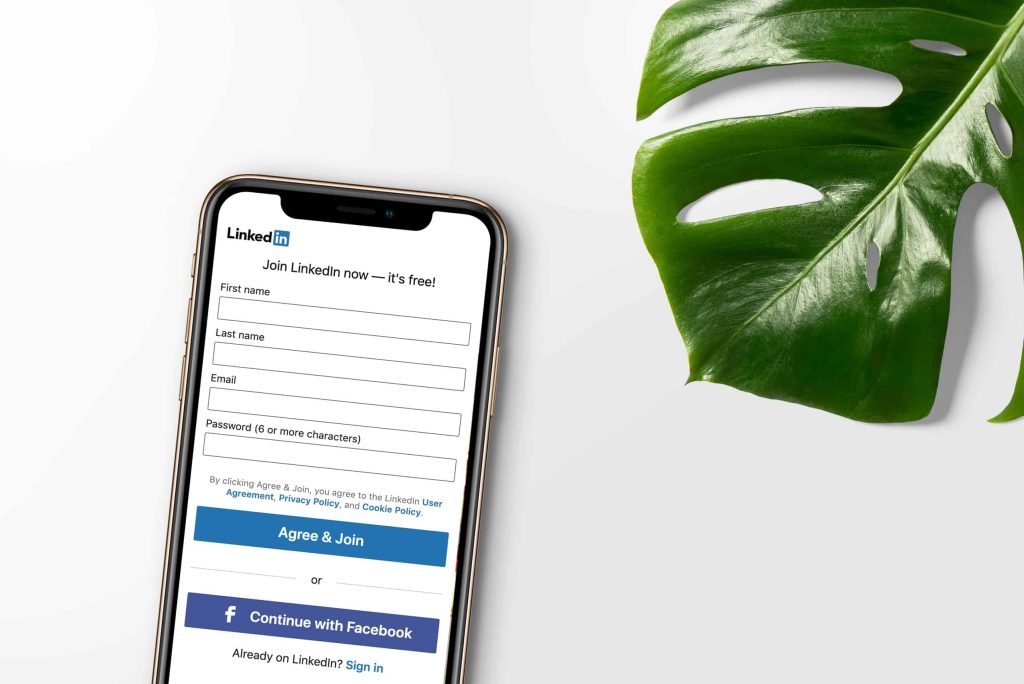
I have the craziest story for you about LinkedIn Live and how you can get it and how you might already have it and not even know. Do I have LinkedIn Live? So I made this really cool video about how to hack the LinkedIn live system by doing LinkedIn events. I made a whole video and I put it up for the world to see. I emailed it to my list, all of the things. So I start getting these really weird comments on this video that are like, “I tried this step by step and it did not work.” And other people kept saying that over and over again. I was like, “Why isn’t this working?” So I actually went to one of the other LinkedIn accounts that I manage for a customer and I tested it out, and lo and behold, it didn’t work either. So then I head back to my personal LinkedIn account and I’m like, “Do I have LinkedIn Live “and I had no idea?” So, what I did is I went to StreamYard, my favorite live streaming tool, and I checked it out and you know what? I totally had LinkedIn Live! I have applied like, for forever. For months, months, and months. I had to wait like 18 months to get this. And I never knew. I never got a notification. I never got an email, nothing. So, I have LinkedIn Live this whole time. So you might have LinkedIn Love and not even know it. In fact, I had other people test this out and at least three people on my email list were like, “Well, darn it. “I have LinkedIn live and I didn’t know what either.” So my first thing for you, in trying to figure out how to get LinkedIn Live is you might already have it. So go check if you’ve applied. My second tip for you is, you’re going to want to use StreamYard to do this. It’s important to note before we dive into this, and in order for you to actually go live on LinkedIn, you have to use a third-party tool. There is no way to natively go live on LinkedIn at the time of this post. So the first thing we want to do is sign into LinkedIn, ’cause we’re going to need to connect our LinkedIn to StreamYard. How to use LinkedIn Live Once we’re logged in, let’s head over to StreamYard and we’re going to go to destinations and we’re going to hit “Add Destination”. Now again, you will see these options, whether you have LinkedIn Live or not, but since I do what you’re going to do is go in and click LinkedIn profile and it’s going to be like “LinkedIn Live “is only available for a limited group of organizers “and you need to make sure you’ve applied.” Well again, I know I have it. So I’m gonna connect to LinkedIn. I’m going to choose my profile because I’m logged into LinkedIn. And you will see it under destinations. So all I have to do is go live like I always do with StreamYard and I will just select LinkedIn… and I will create this broadcast. Of course, make sure you have your mic and your camera all set up, put in your name, all that good stuff, and enter the broadcast studio. And then just like anything else, all right, you’re going to hit, “Go Live”. Now, are you ready to go live? And I’m going to hit go live. And this is where you’re going to find out if you actually have LinkedIn live, which as you can see, I totally do! Did my thing. I can do all of my normal stuff like I do every other broadcast, adding in my icons, adding in my graphics, all of the good stuff. Right? And then once I’m done, I just hit end broadcast. So this is how you can check to see if you have LinkedIn Live and of course, go live, in general, using StreamYard again. You have to have a third party tool like StreamYard in order to go live on LinkedIn. This was such a crazy story and a crazy experience, but I am just so happy to be able to connect with my LinkedIn community through live streaming. And I hope that you find great value in this as well. Until next time, I’ll see you soon.
How To Go Live With StreamYard

How To Go Live With StreamYard // Going live online? Sometime you want a few more bells and whistles with a 3rd party software. Level up your game with slides, lower thirds, a chat control, pop up questions and other graphics to level up your live streaming experience. StreamYard is a great tool to multicast and go live with your business, take the stress out of the live-stream experience and add more bells and whistles.
How To Go Live With StreamYard
How To Go Live With StreamYard // Going live online? Sometime you want a few more bells and whistles with a 3rd party software. Level up your game with slides, lower thirds, a chat control, pop up questions and other graphics to level up your live streaming experience. StreamYard is a great tool to multicast and go live with your business, take the stress out of the live-stream experience and add more bells and whistles.